 StudyDuo
Aesthetic study apps are the ones students pick for how they look: a planner you color in, notes covered in stickers, a home screen themed for exam season. The ten here are Structured, Tiimo and Zinnia for planning, Goodnotes, Notion and Obsidian for notes, Widgetsmith, Color Widgets and WidgetClub for widgets, and Flip Clock for the desk.
Each one was opened on its US App Store page on November 24, 2026, with US and Indian ratings read in the same minute, at 09:50 UTC. Android and laptop versions were checked on Google Play and the developers' sites. All ten are free to download.
Aesthetic study apps for laptop, phone and tablet
| App | What you can style | Phones and tablets | Laptops | In-app prices, US App Store |
|---|---|---|---|---|
| Structured | Timeline colors, icons | iPhone, iPad, Android | Mac; web app | $2.99 to $99.99 |
| Tiimo | A color-coded day plan | iPhone, iPad, Android | Mac (M1 or later); web app | $7.00 to $54.00 |
| Zinnia | Stickers, washi tape | iPhone, iPad, Android | Mac | $3.99 to $39.99 |
| Goodnotes | Paper templates, stickers | iPad, iPhone, Android | Windows, Mac, web | $1.99 to $35.99 |
| Notion | Covers, icons, three fonts | iPhone, iPad, Android | Windows, Mac | $11.99 to $239.99 |
| Obsidian | Community themes | iPhone, iPad, Android | Windows, Mac, Linux | None listed |
| Widgetsmith | Widget colors, fonts, borders | iPhone, iPad | Mac (M1 or later) | $1.99 to $29.99 |
| Color Widgets | Widgets, icon packs, wallpapers | iPhone, iPad | Mac | $4.99 to $49.99 |
| WidgetClub | Themes, icons, a Lock Screen memo | iPhone, iPad, Android | None listed | $2.99 to $124.99 |
| Flip Clock | Clock themes, colors, fonts | iPhone, iPad | Mac | $0.99 to $9.99 |
On a Windows laptop, Goodnotes, Notion and Obsidian install as apps, while Structured and Tiimo open in a browser. The other five name only Apple devices, plus Android for Zinnia and WidgetClub. Each range covers every in-app purchase on the app's US store page.
Planners you can color in
Structured: your day as a colored timeline
Structured lays out tasks, events and routines on one timeline you drag around, and its free version promises "Color-coding and hundreds of icons to personalize your schedule". It runs on iPhone, iPad, Apple Watch and Macs on macOS 15 or later, on Android, and in a browser at web.structured.app.
Tiimo: Apple's iPhone App of the Year
Tiimo calls itself a "neurodivergent-friendly planner" and shows your day as a "Color-coded daily overview". On December 4, 2025, Apple named it iPhone App of the Year, praising "an impressive visual planner". Its App Store page rates it 9+ for health or wellness topics. Besides Android, it runs in a web app on any computer, or on a Mac from the M1 generation onward.
Zinnia: stickers and washi tape
Zinnia is the nearest thing to a paper planner you decorate. Its Studio holds ready-made journals, planners, trackers, stickers, washi tape, journal cards and frames, with "New content added every month" and templates for time blocking, Kanban and Pomodoro. It's on iPhone, iPad, Mac and Android, and it's rated 9+ for the same reason as Tiimo.
Notes apps with covers, templates and themes
Goodnotes: handwritten notes on any laptop
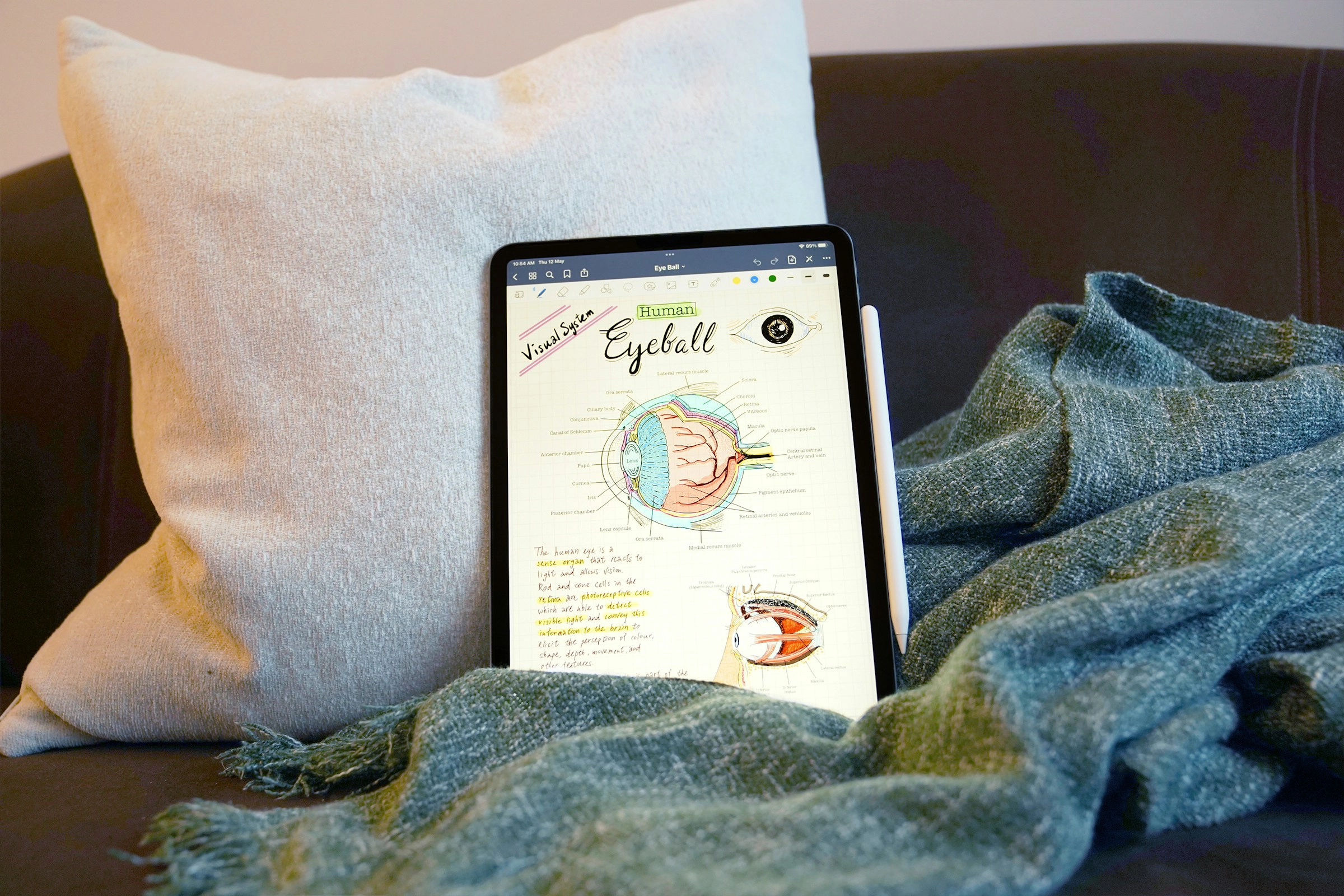
Goodnotes is a handwriting notebook whose look starts with paper. You can change a template's size and color, and on an iPad "add, create, or import stickers, stamps, washi tapes". Its pricing page lists versions for Apple devices, Android, Windows and the web. Apple named its earlier version, GoodNotes 5, iPad App of the Year for 2022.
Notion: 3,438 student planner templates
In Notion, the look is a page you build: an emoji or uploaded icon, then a cover photo. Its help center adds "three different typography styles": Default, Serif and Mono. On November 24, its template gallery counted "30,000+" templates from 23,399 creators, 3,438 of them under Student Planner. It has desktop apps for Windows and Mac and an Android app. The iPhone app sells Plus at $11.99 a month or $119.99 a year.
Obsidian: 1,064 themes for plain files
Obsidian keeps notes as plain Markdown files in a folder on your device and changes its whole look with community themes. Its official list held 1,064 of them at 10:10 UTC on November 24, by our count of the repository's theme file. Of those, 765 have light and dark modes, 253 are dark only and 46 light only. Its downloads cover Windows, Mac, Linux, iPhone, iPad and Android.
Home screen widgets and a desk clock
Widgetsmith: an exam countdown that matches your wallpaper
Widgetsmith builds widgets in your own "colors, fonts, borders, and themes", from countdown timers to calendars and reminders. A widget can switch what it shows by time of day, and a library of artists' wallpapers gives you a palette to match. Premium, sold monthly or yearly, adds themes, fonts, weather and custom app icons, and removes ads.
Color Widgets: a whole theme in a few taps
Color Widgets sells complete looks: its listing claims 15,000+ themes and wallpapers that pair widgets with icon packs, plus countdown and calendar widgets. Pro starts with a three-day trial and then "renews at USD$2.50/month billed yearly". The App Store rates it 9+ for occasional crude humor or profanity, frightening themes and weapons, and flags user-generated content.
WidgetClub: themes on Android too
WidgetClub claims "over 4,500 themes", in styles from Y2K and minimal to anime, and "over 10,000 app icons". Its Lock Screen Memo keeps "study notes" in view without opening an app. In the US store, Premium runs $24.49 a year, or $9.99 monthly and $4.99 weekly.
If you're looking for aesthetic study apps for Android, WidgetClub is the only one of these three widget makers with an Android version. India's Google Play store showed it at 4.3 stars from 19.1 thousand reviews. The sites of Widgetsmith and Color Widgets link only to the App Store. The Play apps we saw under those names, such as a "Widgetsmith" from DDapper Apps, come from other developers.
An aesthetic study timer app: Flip Clock
Flip Clock turns an iPhone or iPad into a retro flip clock, themed in your colors and fonts, made for StandBy mode while the phone charges. Under the look sit count-up and countdown timers, Pomodoro intervals, an "Event Countdown" for exams and white noise. Removing its ads costs $0.99.
Timers that grow something have guides of their own. Forest is in YPT vs Forest, and Flora with its stand-ins for Android and PC in apps like Flora. A cat café or a mochi pet is in cute study together apps. Apps that turn study hours into XP and levels are in a list of their own, and cat or pixel timers for a browser tab or a PC in our cute study timer guide. For a scene and lofi radio in a browser tab instead of an app, see our lofi study website guide.
Ratings in the US and India, read in one minute
A rating count shows how many people rated an app, not how good it looks. Both countries were read in one run of Apple's lookup data, for the US and India. WidgetClub and Obsidian, under 3,000 US ratings each, are left out of the chart.
| App | US | India |
|---|---|---|
| Widgetsmith | ||
| Color Widgets | ||
| Goodnotes | ||
| Structured | ||
| Notion | ||
| Flip Clock | ||
| Zinnia | ||
| Tiimo |
Source: Apple's App Store lookup data, US and India storefronts
India's store leans another way. For every 100 US ratings, Flip Clock has 25 in India and Goodnotes 13, against 2 for Widgetsmith and Zinnia (our arithmetic). Goodnotes has more ratings in India than any other app here. Average stars vary far less: all ten sit between 4.48 and 4.79 in the US. Four carry an Editors' Choice badge on their US pages: Structured, Tiimo, Goodnotes and Notion.
Do good looks help you study?
Research on lessons, not apps, gives a partial answer. A 2018 meta-analysis by Cyril Brom, Tereza Stárková and Sidney D'Mello pooled 33 samples, 2,924 learners in all (Educational Research Review). Each study had added pleasant colors or faces to lesson graphics. Learners remembered more (d = 0.39) and did better on comprehension (0.32) and transfer (0.33). Intrinsic motivation rose (0.26), enjoyment barely moved (0.11), and the lessons felt less difficult (−0.21). None of those lessons was a planner or a notes app, so treat this as a hint, not a test of the apps above.
An older experiment shows the catch. Tractinsky and colleagues had people use a simulated cash machine whose looks and real usability both varied (Interacting with Computers, 200000031-X)). Those who found it prettier also rated it easier to use, before and after using it, and its real usability didn't shift those ratings. So give an app a week of real studying before you pay for its look. The trend behind all this gets its own evidence check in how to romanticize studying.
What the free versions keep
Obsidian is the only one of the ten whose App Store page lists nothing to buy. Here is what each free version keeps:
- Obsidian: "Free without limits", with "No sign-up required". Syncing between devices costs $4 a month billed yearly, per its pricing page.
- Goodnotes: up to 3 files and 3 folders, "free forever, not a trial", says the pricing page linked above. Essential is $11.99 a year and Pro $35.99.
- Notion: uploads up to 5 MB a file and 7 days of page history, per Notion's pricing.
- Structured: the timeline plus widgets and a Pomodoro timer. Pro adds calendar connections, recurring tasks and AI planning.
- Tiimo: "planning tools, to-do lists, and the focus timer"; Pro adds "AI task breakdown, custom widgets, and advanced scheduling options", per Tiimo's site.
- Zinnia: limited content, or a week's trial of everything. Its listing quotes $34.99 a year, and the store also lists a $29.99 "secret discount" plan.
- The widget apps and Flip Clock: free with ads, as their App Store pages flag.
When the setup is done and you still haven't started
None of these free aesthetic study apps puts another person in front of you. We make StudyDuo, which works the other way round: no themes or scenes, only people. Its Focus Room runs around the clock. People there study on camera with a task written beneath each video, and all mics stay off. You can watch it in a browser for up to an hour a day without an account, and the room doesn't see you. Focus Room and Study Hour are for people aged 16 and up; our virtual study room page shows how a session runs.
FAQ
Is Notion free for students?
For college and university students, yes: Notion's Education Plan is free for a one-member workspace, with unlimited pages and blocks and 30-day version history. Your school email has to be the account's main email, and you verify it once a year. K-12 students aren't eligible and use the regular Free plan.
Which of these apps track you across other companies' apps?
Going by their App Store privacy labels, six do. WidgetClub lists seven kinds of data used to track you, including location and browsing history, Zinnia lists three, and Goodnotes, Tiimo, Color Widgets and Flip Clock list identifiers. Structured, Notion and Widgetsmith list none, and Obsidian's iPhone app says "Data Not Collected".
Can my Goodnotes notebooks follow me from an iPad to a Windows laptop?
Only on Pro. Goodnotes says one library across Apple and other devices needs Goodnotes Cloud, which comes with Pro. Its one-time Special Edition is Apple-only and isn't eligible for Goodnotes Cloud.
Does Obsidian give students a discount?
Yes: students, faculty and nonprofit staff get 40% off Obsidian Sync and Publish, and its pricing page says it offers no other discounts. Paying isn't required even for work, though Obsidian encourages organizations to buy a commercial license at $50 per user a year.
Is Tiimo only for people with ADHD?
No. Its listing speaks to anyone "building routines, navigating time agnosia, or just trying to make it through a busy week". One account can share up to 5 profiles with family. It's a planner, not a treatment.