StudyDuo
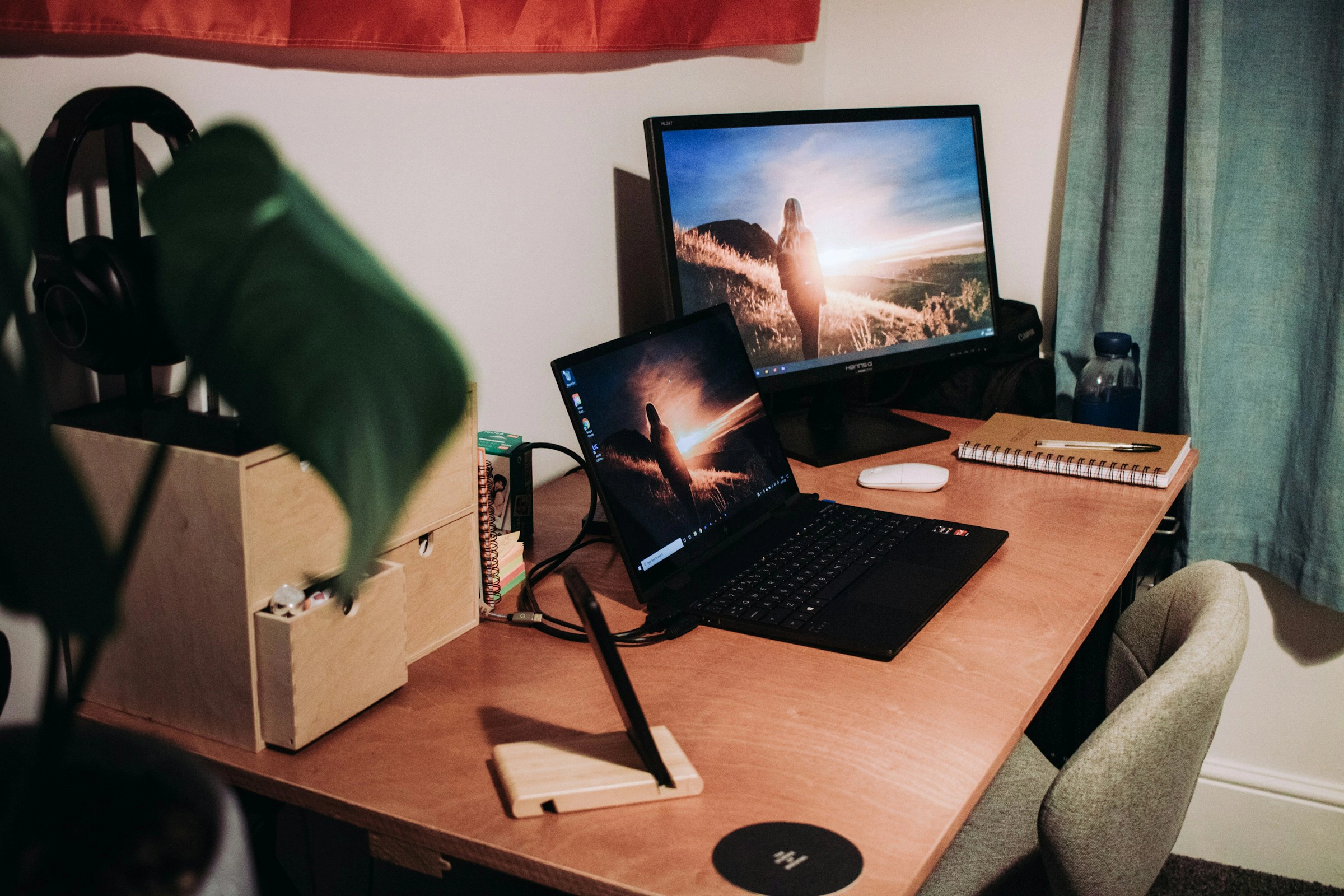
StudyStream for PC is its website, not a program you install. The help center's line "There is no desktop app; the website is the desktop version" settles it. On Windows or an Intel Mac, you open app.studystream.live in a browser and log in. A Mac with an Apple M1 chip or later can also run the iPhone app, which Apple lists for macOS 12.5 or later.
We make StudyDuo, which also runs in a browser on computers, so the last section is about our own room. Everything about StudyStream comes from its help center, read on November 19, 2026, when two of its pages were updated, and from Apple's App Store data. What it costs is covered in Is StudyStream free?, and how it's moderated in our StudyStream review. Its Discord server runs apart from both and is covered separately.
StudyStream for PC: the browser is the app
StudyStream's page on joining problems sets no hardware bar: "There are no strict system requirements, but rooms are video-heavy." For an older laptop it names two levers. One is the number of video tiles per page, set under Settings and then Video inside a room. The other is "Join lite" on the room card, which is "much lighter on slow connections and older devices".
The tile setting matters because every tile is a live video stream. StudyStream's page on the video tile caps it by plan and warns that above 12 tiles "that many streams needs a powerful machine":
| View | Tiles |
|---|---|
| Grid page, free account | |
| Grid page, subscriber | |
| Picture-in-picture window, free account |
Source: StudyStream's help on video tiles, version of November 18, 2026
There is no Windows build to look for. Microsoft's own way of running Android apps on Windows has ended, as our YPT guide for PC explains, and the Microsoft Store's search page didn't load for our tools. StudyStream's own sentence is the answer: the tab is the app.
StudyStream for Mac: two ways in
On any Mac, the website works the same as on Windows. A Mac with Apple silicon also has a second route.
StudyStream's App Store listing says "Only for iPhone" and "Designed for iPhone". Its compatibility list still names the Mac, running macOS 12.5 or later on an M1 or later chip. Apple's own guide for these Macs says iPhone and iPad apps that work on a Mac "are labeled with Designed for iPhone or Designed for iPad". So the 122.8 MB phone app installs on an M1 Mac or later, and an Intel Mac stays with the browser.
One Mac-only snag has its own line in StudyStream's camera troubleshooting. If you use an iPhone as the Mac's webcam through Continuity Camera and the camera gets stuck, only restarting the whole laptop clears it.
What the web app does that the phone app doesn't
One account covers both, and "Rooms, pins, chats, tasks, groups, streaks and your subscription are shared", says StudyStream's guide to the website and the app. Even so, a focus room in the StudyStream web app does more than in the phone app, and less in one row:
| Feature | In a browser on a computer | In the phone app |
|---|---|---|
| Virtual backgrounds | Soft Blur, Hard Blur or a ready-made image, on every plan | "Virtual backgrounds aren't available in the mobile app" |
| Picture-in-picture | Desktop Chrome, Edge, Brave and other Chromium browsers, version 111 or newer; greyed out in Safari and Firefox | In the Android app, leaving the app shrinks the room into a floating window |
| Spaces, the small talking groups | Need a wide window: the button is "hidden below about 1024 px wide" | In the app since iPhone version 1.1.40 of November 18, 2026 |
| Focus+ session lengths | 30, 60 or 90 minutes, or unlimited | 30, 60, 90 or 120 minutes |
| Country filter | Shown once your account is a day old, your email is verified and you've pinned someone | Every filter from the start |
The Spaces row changed this week. The app's version notes for November 18 say "Spaces feature is now available on the app". When we first read StudyStream's page on Spaces on November 19, it still called them unavailable on mobile. By that evening, a same-day update told you to tap "Spaces" under the room title in the app.
One difference outlasts the device. An account created in the app starts on UTC until you set a time zone, and that setting decides when your streak day and your daily limit reset.
Camera and OBS on a computer
On StudyStream for PC, your webcam goes through the browser's permission for the site. If StudyStream can't see it, the camera page points you to the padlock beside the address bar, where you allow the camera for app.studystream.live. Then pick the right device under "Video Settings" in your tile panel.
The same menu takes a streaming setup. StudyStream "doesn't offer a stream key or an RTMP address", so OBS reaches it as a camera:
- Build your scene in OBS, with a timer or an overlay if you like.
- Click "Start Virtual Camera" in OBS.
- In the room, open your tile panel, then "Video Settings", and pick "OBS Virtual Camera".
- After restarting OBS, pick it again if it drops off the list.
Picture quality has its own controls on the website. "Preferred resolution", a Premium setting, goes up to 1080p, 540p, 360p or low, and anyone on a slow connection can use "Decrease my own video resolution" under Troubleshooting.
Is there a StudyStream desktop app? What the download pages are
Search for a PC version and the first results are pages from three Android emulators: BlueStacks, LDPlayer and MEmu. Each one runs the Android app inside its own emulator. None of them claims a tie to StudyStream, and each page has its own oddity:
- BlueStacks, modified April 24, 2025, contradicts itself: one part of the page asks for twice the memory and free disk space of another.
- LDPlayer, updated September 12, 2026, says StudyStream "might have an official PC version" without naming one.
- MEmu, updated November 7, 2025, shows "1.0.30" as the current version and asks for hardware virtualization.
Two more results look like desktop apps and aren't StudyStream's. WebCatalog's listing offers the website as "a dedicated desktop app" in a window of its own, and says WebCatalog "is not affiliated" with StudyStream. A GitHub page for "Study Stream Black", version 1.0.4, is an unrelated offline course player for Windows that its maker says is "not code-signed".
A second room in the same browser
A browser tab is all StudyStream for PC needs, and the same is true of StudyDuo. At studyduo.app, a laptop gets rooms with video, chat, your task list, stats and the feed, all under the account you use in the iPhone and Android apps. Nothing needs installing, and neither Microsoft's store nor Apple's Mac store has a listing to look for.
Focus Room is open around the clock, and the virtual study room page explains the room. For more choice, see eight browser rooms for Windows and Mac.
FAQ
Does StudyStream work on a Chromebook?
Yes, through the website. StudyStream's help says Chromebooks that the Play Store calls "not compatible" can use the website in Chrome.
Can I use StudyStream on an iPad?
Only in the browser, with the tablet turned sideways for Spaces. The listing marks the app for iPhone only and has no iPad line, and StudyStream's camera help says "tablets are not supported". Even so, Apple's data for the app lists iPad models among its supported devices.
Why does my camera look mirrored on the StudyStream website?
Only your own preview is mirrored, by default. Everyone else sees you the right way around unless you switch on "Mirror my video for others", which flips your tile for everyone, on the website and in the app.
Is there a StudyStream for Windows download?
Not from StudyStream. Its App Store description, which lists the app's features, names no Mac, PC or Windows version, and its help center sends computers to the website.
Does StudyStream run on Apple Vision Pro?
As an iPhone app, yes: the App Store listing includes Apple Vision with visionOS 1.0 or later. It's the same app the listing marks "Designed for iPhone", with English as its only language.