 StudyDuo
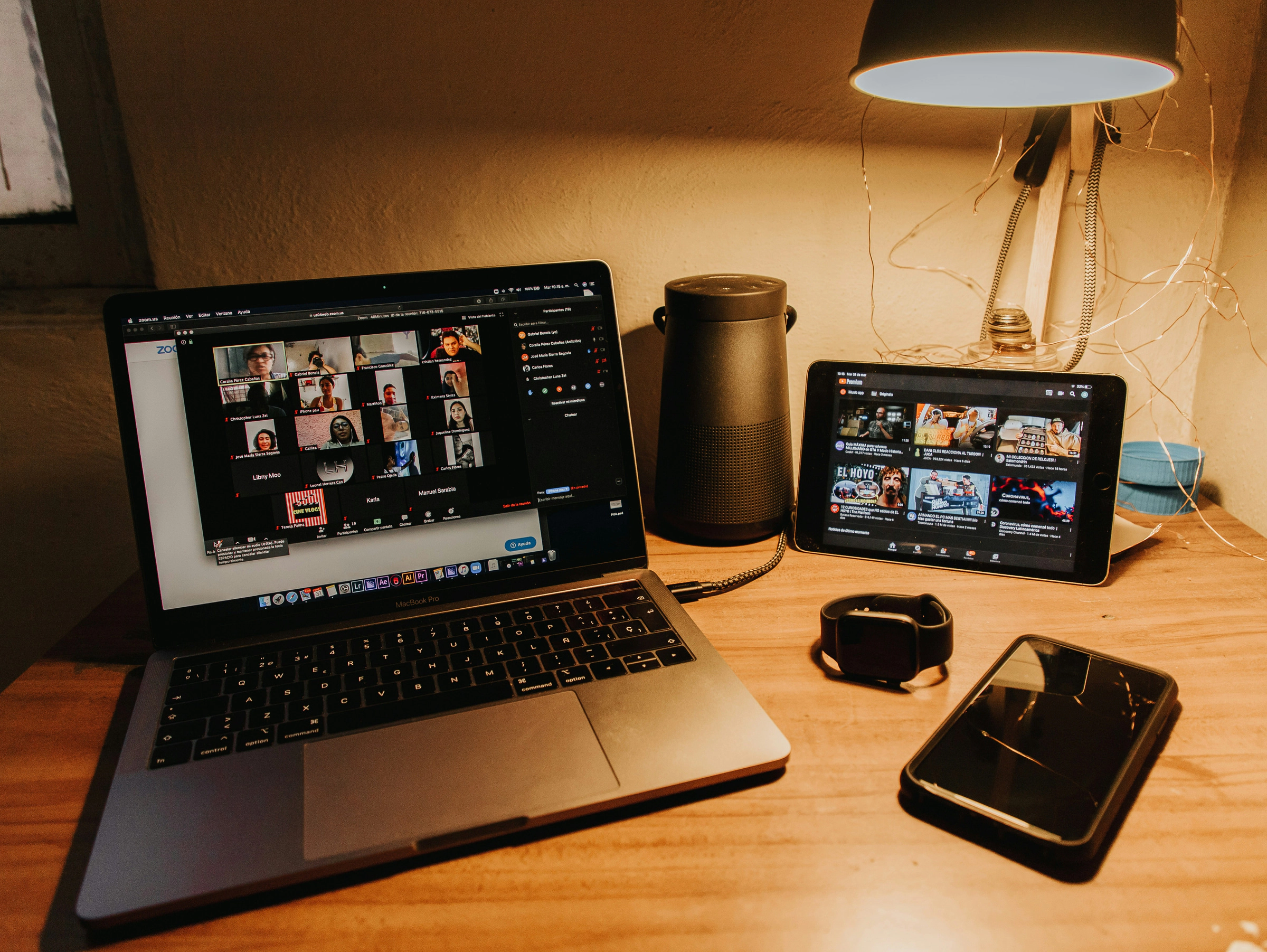
A Zoom study room is a Zoom meeting where people study on camera, usually muted, each on their own work. Two communities list free ones open around the clock, Study Together and Virtual Study Room. Caveday runs paid, guided sessions most of the day, and you can host your own, though free Zoom meetings end at 40 minutes.
Everything below comes from the organizers' and Zoom's own pages, checked on November 11, 2026. We make StudyDuo, which doesn't run on Zoom; it appears once, among the rooms that open in a browser.
Your options at a glance
| Option | Hours | Cost (November 2026) | What you need |
|---|---|---|---|
| Study Together's Zoom rooms | Listed as 24/7 | Free | A Zoom account |
| Virtual Study Room | Listed as 24/7 | Free | An entry form with a nickname and an email |
| Caveday | Guided sessions 20+ hours a day | Paid after a 14-day free trial | A booking; the Zoom link comes by email |
| A library "Zoom room" | Bookable slots; 2 hours a day at UCD | Free for members | A booking and your own device |
| Your own meeting | 40 minutes per meeting free, 30 hours on Pro | Free, or Pro from $14.16 a month | A Zoom account to host |
Free Zoom study rooms open 24/7
Study Together
Study Together started as a student community and now says it's part of StudyStream, which is where it sends new sign-ups. Its Zoom page still lists 24/7 rooms: one for pre-university students, one for university, an ambiance room and a study-and-chat room. Its focus rooms run 50 minutes of study and 10 of break, with chat and voice switched off.
Under its FAQ and rules, a Zoom account is all you need, the camera is up to you, and staff can mute anyone. Rule 5 sets the minimum age at 13, lower than Zoom's own, which comes up below.
Virtual Study Room
Virtual Study Room is run from Osaka by Masayoshi Sasagawa, with a sister site in Japanese. It's free: you send an entry sheet with a study nickname and an email, and an automatic reply explains how to get in and be approved. The site says Zoom's 40-minute limit doesn't touch its main room. It also says some members run their own Zoom rooms in 40-minute blocks with 5-minute breaks in between.
We didn't sit in every room at every hour, so read "24/7" as each organizer's claim.
Guided sessions on Zoom
Caveday is the paid option: guided sessions called Caves, held on Zoom for more than 20 hours a day, with a 14-day free trial. Its FAQ says cameras stay on, everyone is muted, and the guide tells you when each sprint ends. You can't join a Cave more than 10 minutes after it starts.
If you'd rather not pay, Shut Up & Write! runs free online writing sessions, often on Zoom; they're in our list of free places to study with strangers.
What a "Zoom room" at your library means
At some universities, a Zoom room is a bookable physical room, not an online one. At University College Dublin, the library's Zoom Rooms can be booked for 2 hours a day, and you bring your own device. They're for virtual meetings, interviews or webinars, not for individual study. Book one to take a video call in quiet; for studying among other people on camera, use one of the online rooms above.
Hosting your own room on Zoom
Zoom's free Basic plan allows 100 participants and 40 minutes per meeting. Pro raises the length to 30 hours for $16.99 a month, or $14.16 a month billed yearly, as of November 2026. Zoom's guide to meeting time limits adds a rule that matters for an open room. On a paid license, a meeting ends 40 minutes after only one person is left in it, unless someone else joins.
So no Zoom meeting stays open for good. A 24/7 room runs on a paid license and on people who start it again when it ends. Left with one person in it, it closes within the hour.
If you only need a Zoom study room for a class or a few friends, a free account can work, as long as every block ends before the meeting does. Running a session on Zoom covers the settings, a script that fits inside 40 minutes and how to keep the link private.
Joining from a browser, with no install
You don't need the Zoom app to join a meeting. The Zoom Web App runs in Chrome or Edge 102 or newer, Firefox 105 or newer, and Safari 16.4 or newer. On Apple devices, the Safari version follows the operating system.
Some study rooms skip Zoom and open straight in a browser tab:
- StudyDuo's [Focus Room](/focus-room), which we make, is a video room that never closes. Microphones stay off for everyone, and each tile shows what that person is working on. Without an account you can watch for an hour a day. A free account lets you turn your camera on, with an hour of video a day. Every new account begins with 14 days of Premium, which lifts the cap.
- StudyStream runs large camera rooms on the web as well as in its apps.
The virtual study room page shows how ours works.
Why video calls wear you out, and what to change
Video calls tire people for reasons beyond their length. Researchers at Stanford University and the University of Gothenburg surveyed 9,787 people in February and March 2021 for a 2023 study led by Geraldine Fauville. Those who used video calls more often, for longer and with less time between them reported more fatigue. Five experiences of the call itself added to it:
| Experience | β |
|---|---|
| Feeling physically trapped in the frame | |
| Mirror anxiety from seeing yourself | |
| Hyper-gaze: feeling watched by many faces | |
| Effort of producing nonverbal cues | |
| Effort of reading other people's cues |
Women reported more fatigue than men, and these five experiences carried most of the gap. The people in the sample chose to take the survey, so the numbers show links, not causes.
A study room already removes some of the load, since nobody talks and nobody has to read faces. The rest you can change:
- Hide your own video. Zoom's Hide Self View option takes your tile off your screen while others still see you.
- Give yourself room to move. A camera pointed at your desk lets you shift, stretch and stand while your work stays in the shot.
- Leave gaps between sessions. In the same survey, more time between calls went with less fatigue.
- Shrink the grid. Fewer faces on screen means fewer eyes on you; switch to speaker view or make the window smaller.
If the camera itself is the problem, body doubling without a camera covers ways to skip it.
Before you join a public room
A public Zoom study room shows your display name and your video to everyone in it. Check three things first:
- Age. Zoom's terms say Zoom isn't meant for anyone under 16, except through K-12 school accounts, whatever age a room's own rules allow.
- What people see. Pick a display name that isn't your full name, and look at what's behind you before the camera goes on.
- Recording. A rule against screenshots, like Study Together's, can't stop someone from capturing their own screen, so keep out of shot anything you wouldn't want saved.
For everything else to check, see are online study rooms safe?
Google's version works differently: see a Google Meet study room. For medicine, there are online study rooms for medical students.
FAQ
Can I use Google Meet or Discord instead of Zoom?
Yes. Virtual Study Room runs its one-on-one matching on Google Meet and Discord rather than Zoom. Discord study servers also keep voice channels open for drop-in work, with cameras on or off.
Can I leave a session early?
In an open room, just leave; nobody is waiting on you. Caveday asks you to send the guide a private message before you go and to claim a small win.
What if the room I pick is full?
Try another one. Zoom caps how many people a meeting can hold, so popular rooms fill up. Study Together lists several rooms, and its page tells you to try a different link when one is full.
Does this work on a phone?
Yes. Zoom's requirements for its web app cover Android and iOS as well as computers, and the Zoom mobile app works too. Both 24/7 rooms above are ordinary Zoom meetings, so either way gets you in.